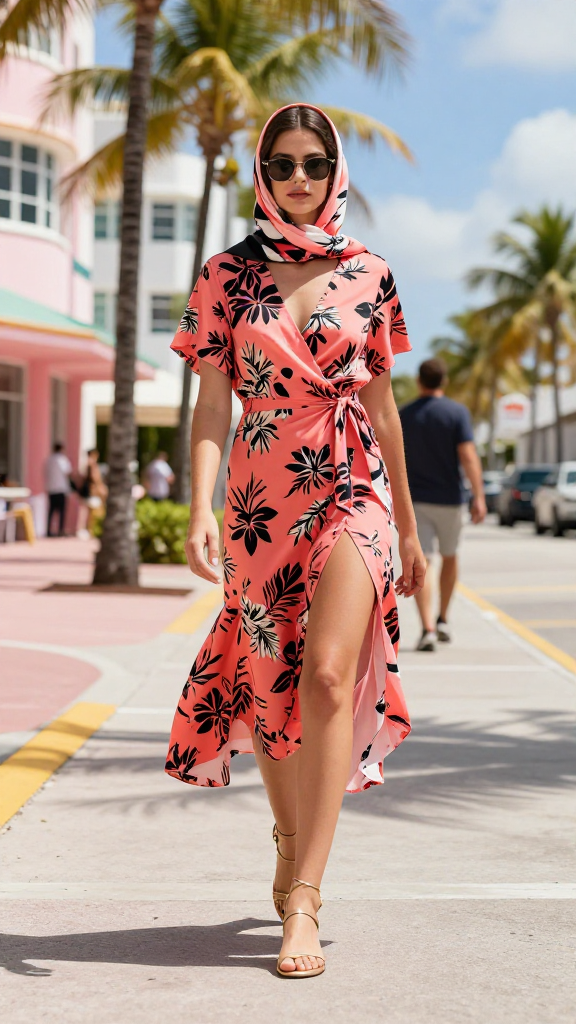
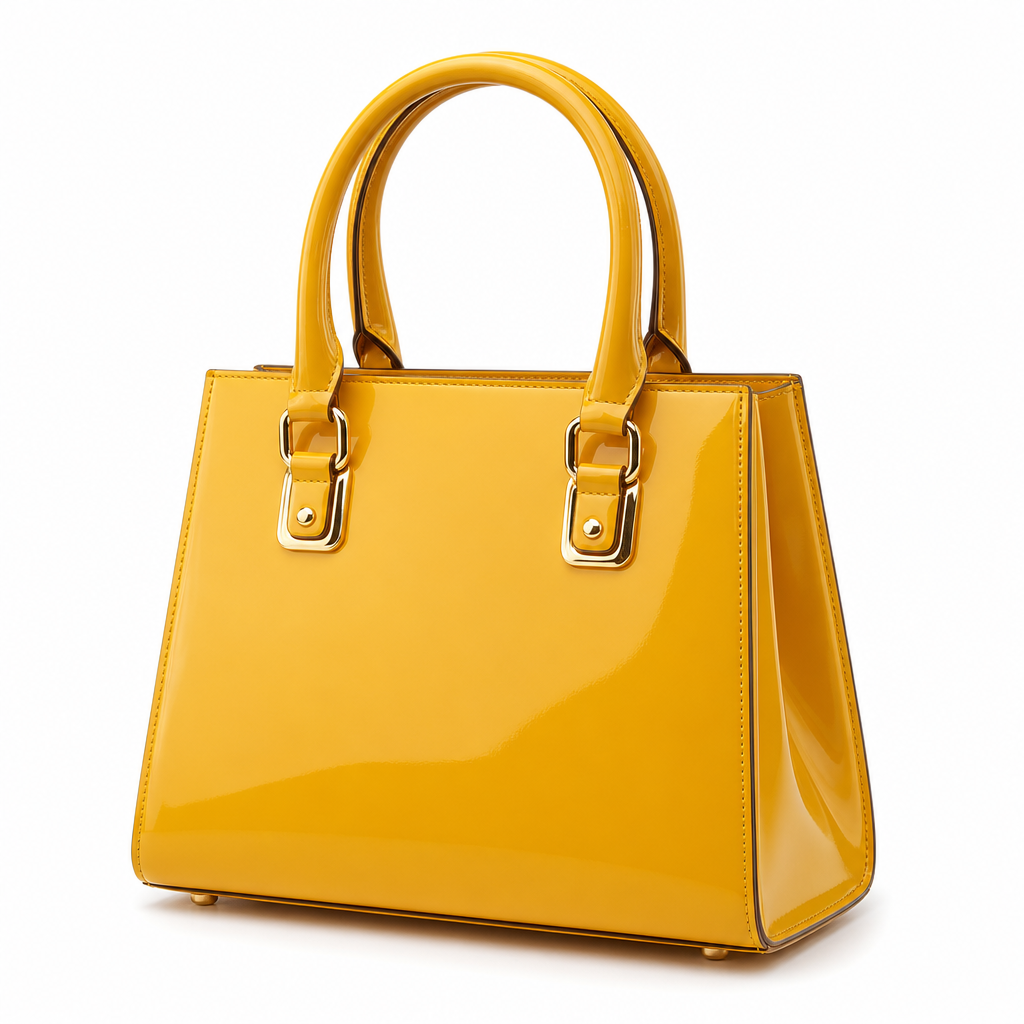
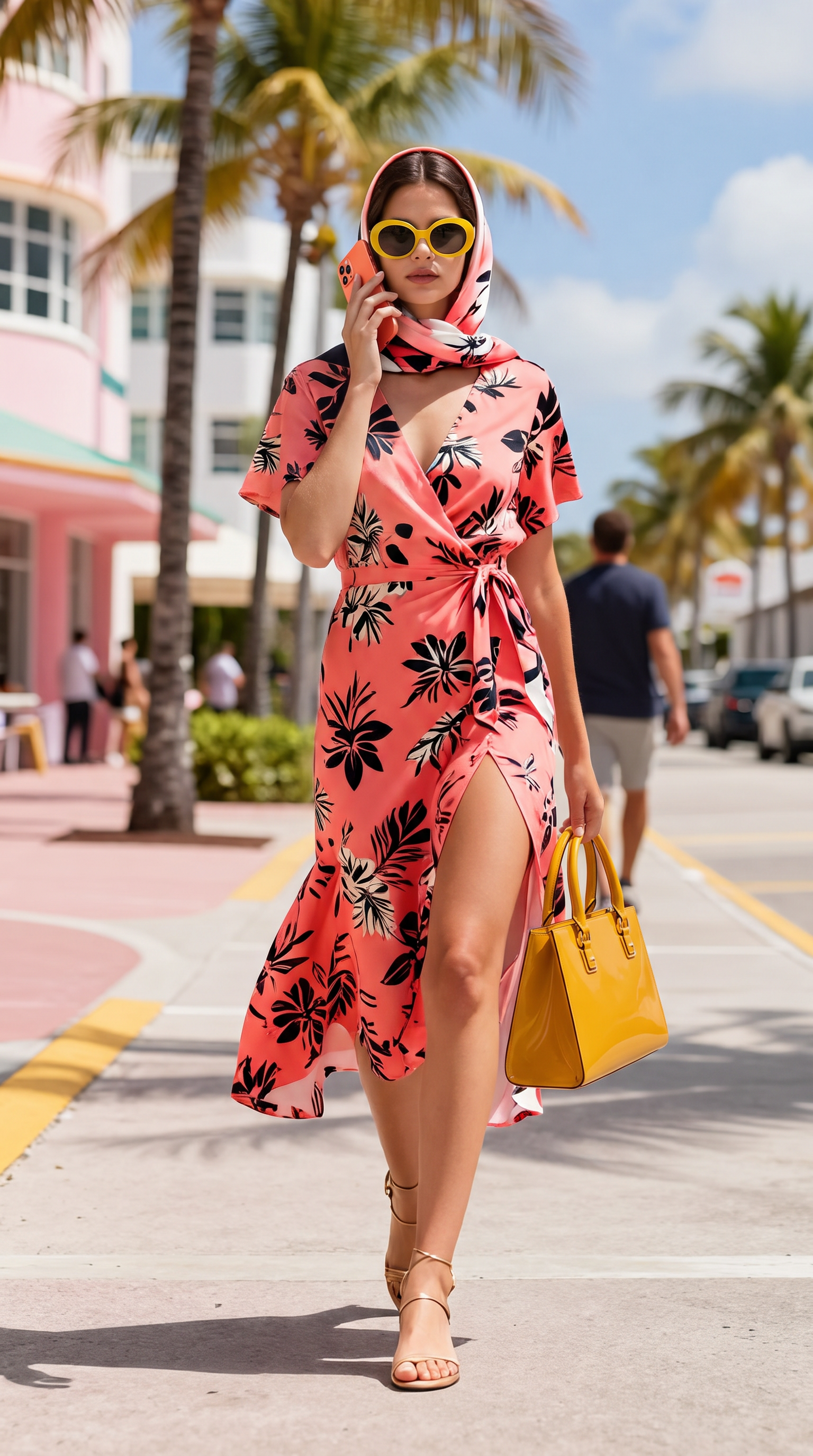
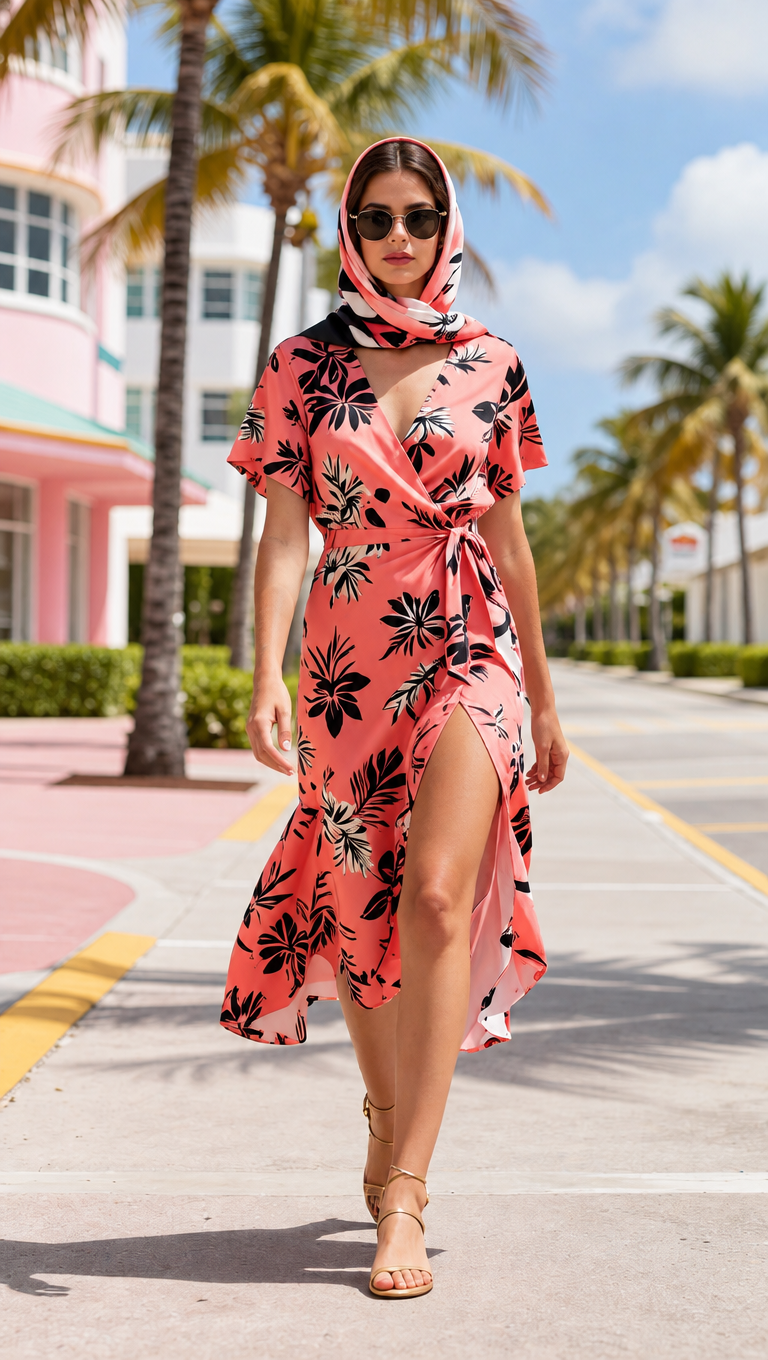
Use the first image as the base scene and person. Add all three products from images 2, 3 and 4 onto her.
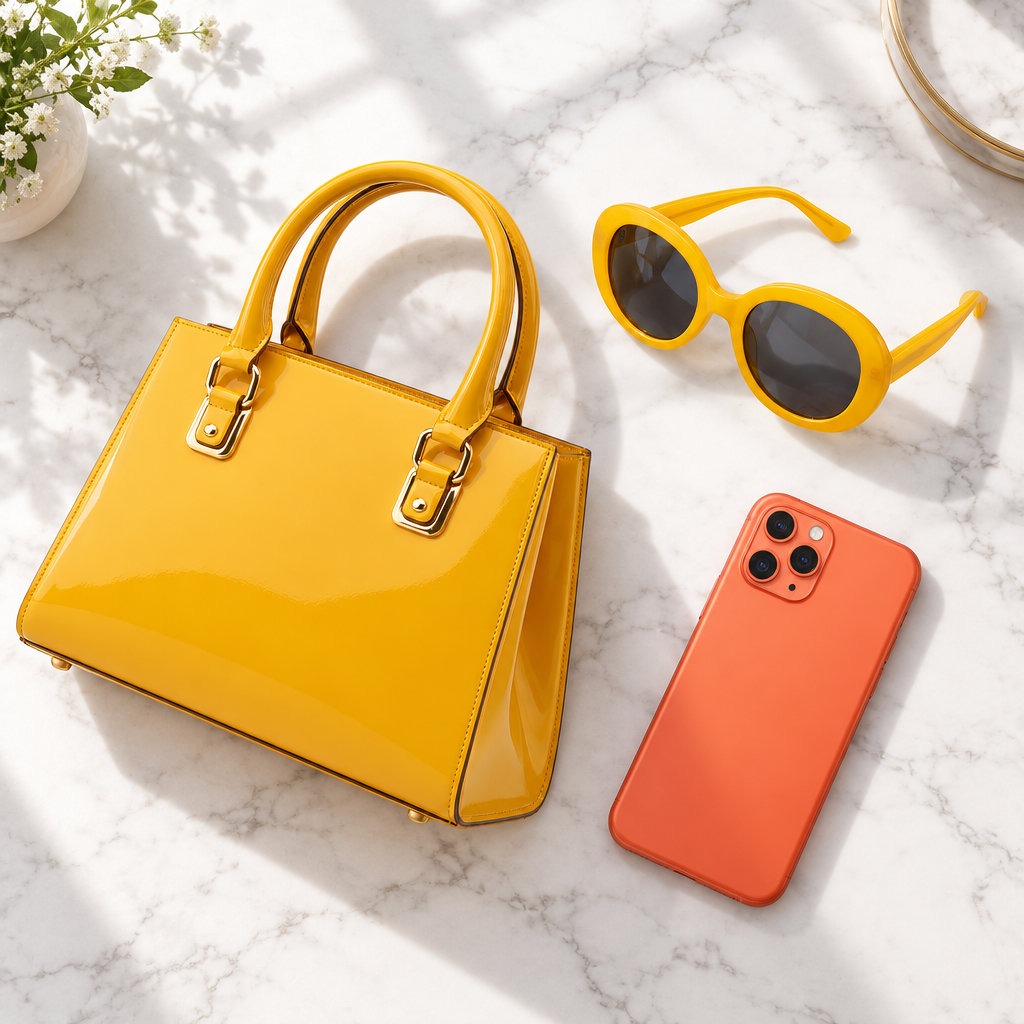
1) The handbag from image 2, carried in her right hand by its two rounded top handles: keep its trapezoid body, mustard-yellow patent finish and gold buckle hardware.
2) The sunglasses from image 3, worn on her face replacing the ones she already wears: keep their oversized oval shape, glossy bright yellow acetate frame and dark grey lenses.
3) The smartphone from image 4, held up to her ear with its BACK facing the camera. Reproduce the phone exactly as in image 4: a coral orange aluminium body AND, most importantly, the SQUARE TRIPLE-CAMERA MODULE in the top-left corner of the back, with its three distinct round lenses clearly visible. The phone must not be a plain featureless slab.
Keep her face, hair, headscarf, dress, pose and the street background unchanged. Every product keeps its exact shape, colour, hardware and plain logo-free surface from its source image. Match the scene lighting and add correct contact shadows. Do not add any other object, text or logo.
Nano Banana Pro
保温杯合成到人物手中
14 积分
查看真实提示词
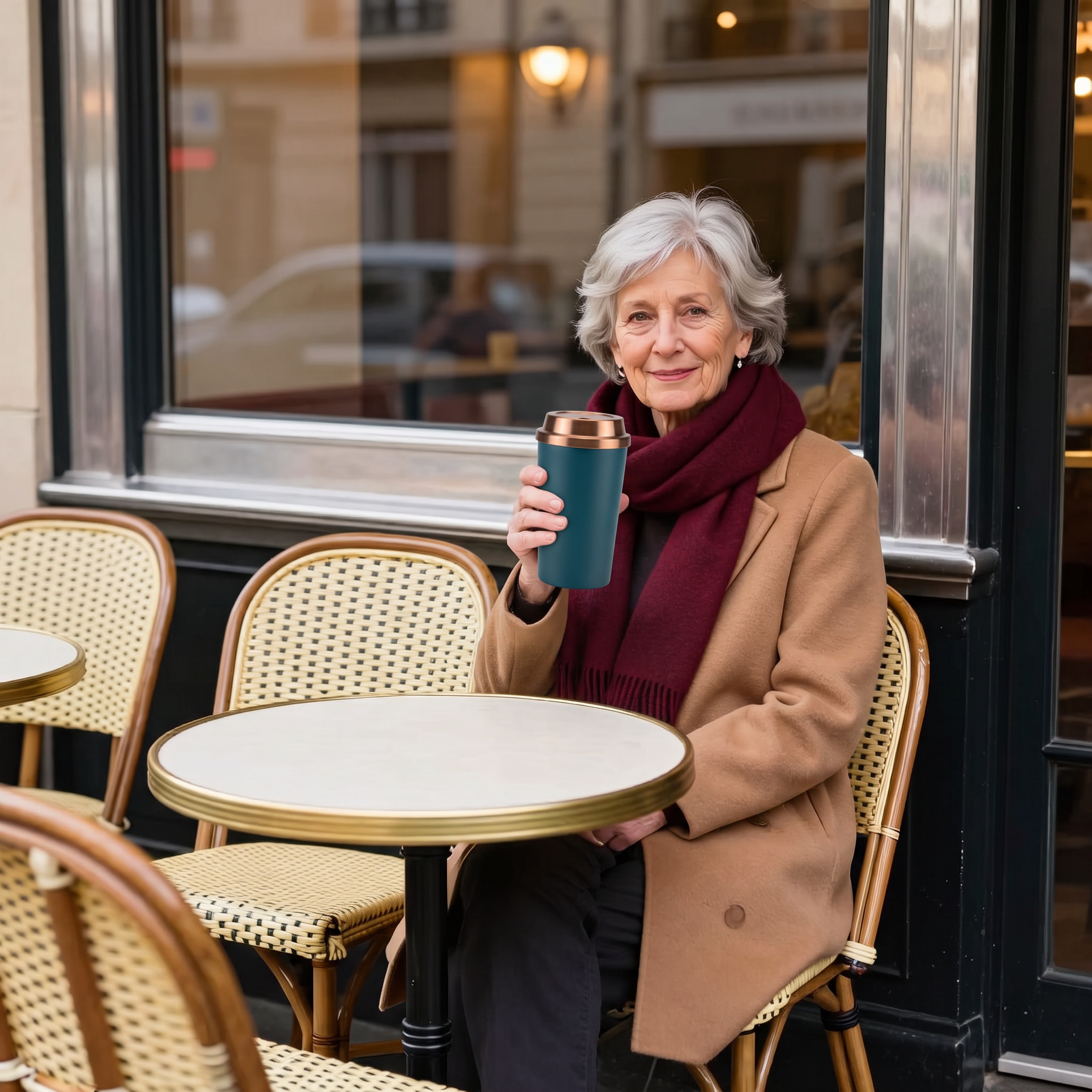
Use the first image as the base scene and person. Place the exact travel mug from the second image in the woman's hands, held in front of her as if she is about to drink from it. Keep her face, silver hair, camel coat, burgundy scarf, pose and the Parisian cafe background completely unchanged. The mug must keep its exact tapered shape, matte deep teal steel body, brushed copper screw lid and plain logo-free surface from the second image. Match the scene lighting and add a correct contact shadow. Do not add any other object, text or logo.
GPT Image 2.5 Sunburst
三件商品平铺图
4 积分
查看真实提示词
Combine the three products from the images into one flat-lay photo on a clean white marble surface with soft window light. Keep each product's exact shape, colour and hardware unchanged. No text, no logo, no watermark.
GPT Image 2.5 Sunburst
移除背景路人
2 积分
查看真实提示词
Remove distracting people and objects from the background. Keep the main subject, identity, pose, clothing, camera angle, framing, and all other details unchanged. Fill the edited areas naturally.