 Popular15s
I Love the Smiths AI Video
Two adult photos become a 15-second landscape elevator scene with a fixed dialogue.
Illustrated cover · not a generated sample
2 photos · 720p · 16:9120 credits
Pick a video idea and upload your photos. The motion and camera direction are already set up, so you do not need to write a prompt.
Popular15sTwo adult photos become a 15-second landscape elevator scene with a fixed dialogue.
Illustrated cover · not a generated sample
 Popular7s
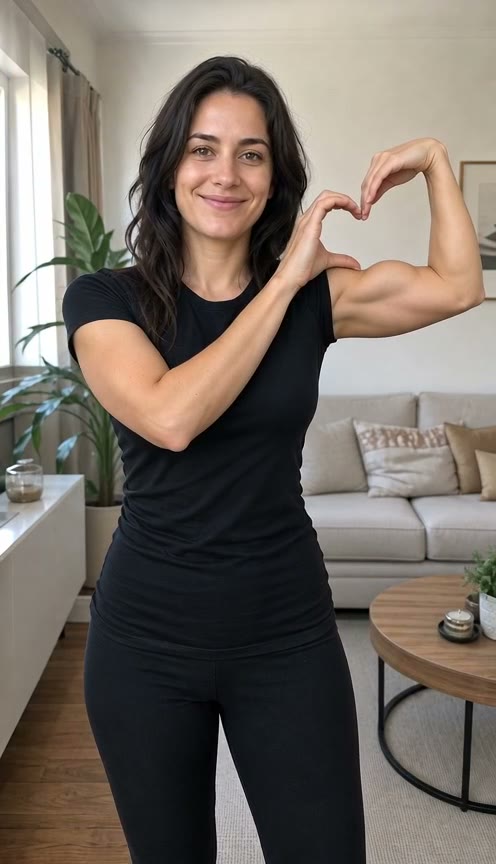
One adult photo, a bicep flex and a heart made with both hands.
480p preview · AI-generated person
 Popular19s
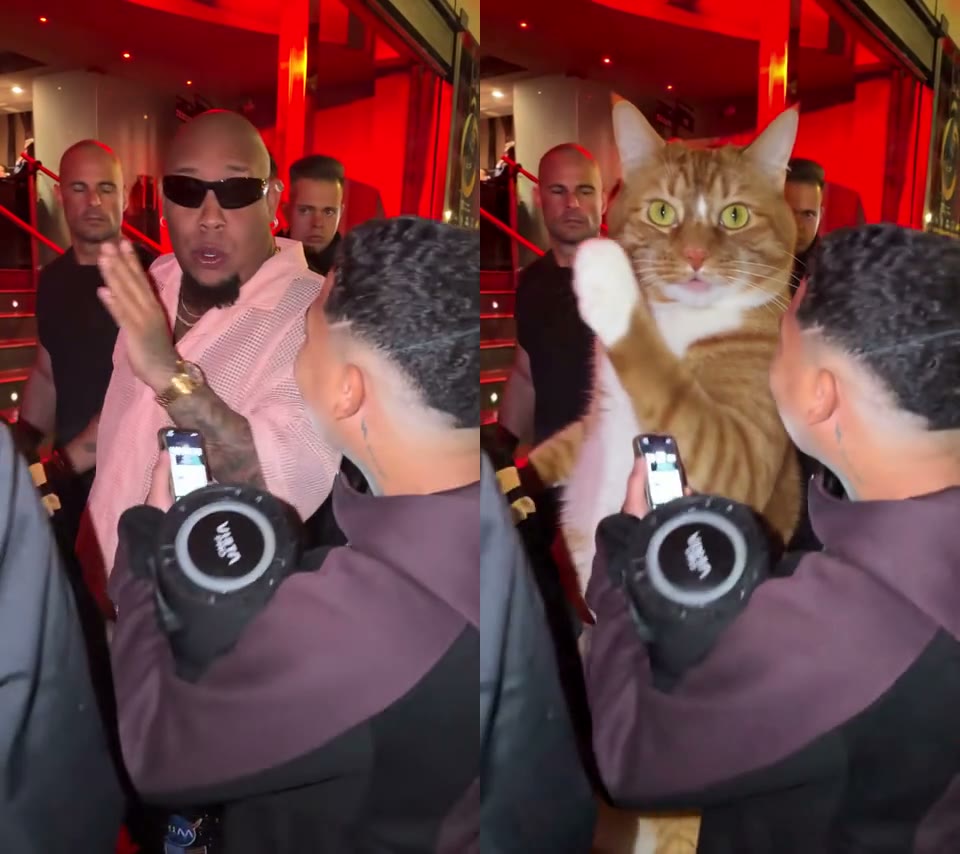
Make your pet the lead in a 19-second performance with the original audio.
 10s
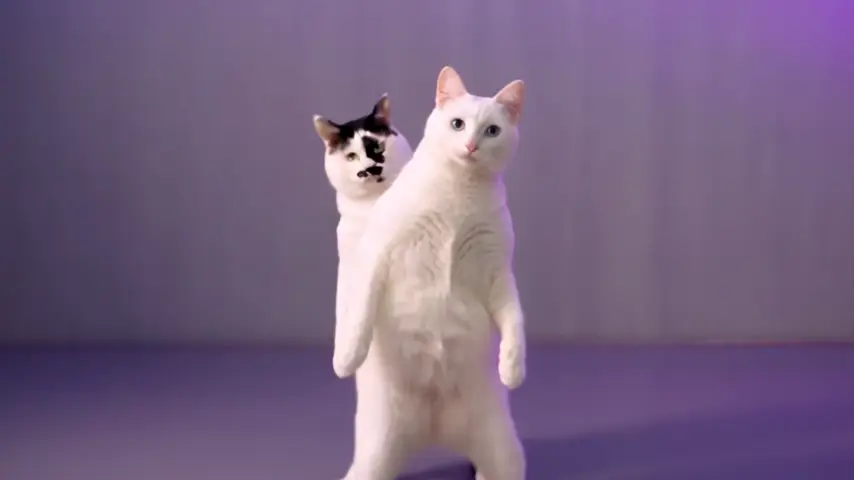
Your pet opens solo, then dances beside the template’s black-and-white cat.
 10s
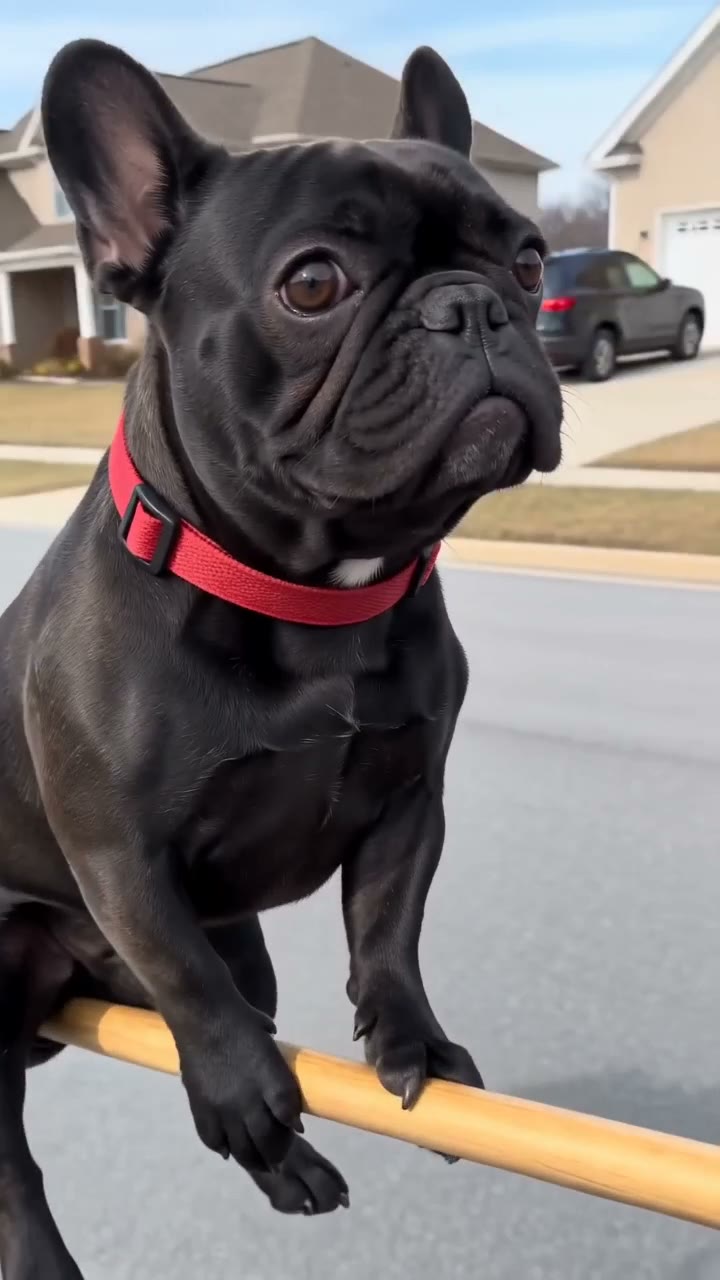
A pet takes off on a broom and bumps into a roadside sign.
 13s
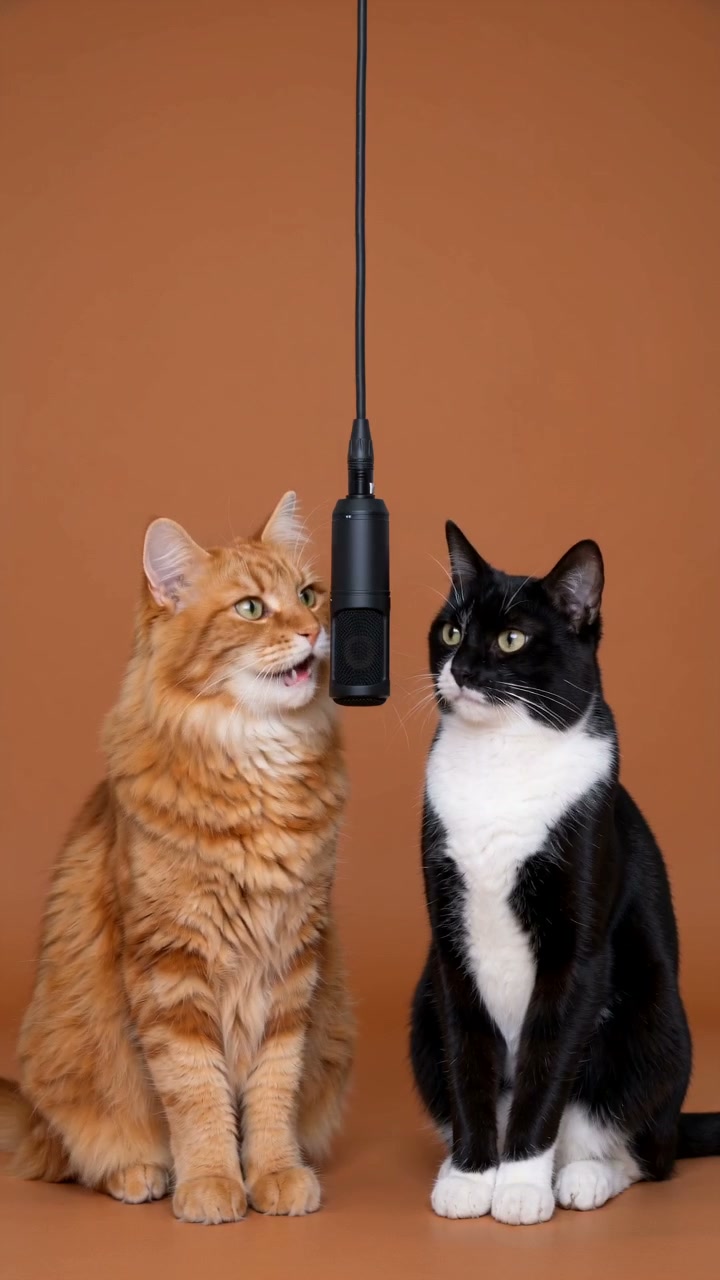
Two characters trade rap turns at a hanging mic in an orange studio. Add the song on your posting platform.
Watch the sample for its motion, framing and rhythm. Pick the idea you want to try.
Add one or two clear photos as required. Use photos you have permission to use; people must be consenting adults.
Sign in, review the credits shown on the button and generate. Find the result in My creations and download it.
Use one clear adult portrait for Bicep Heart. Keep the head, waist and both arms visible.
Try Bulin 47, NEON or Flying Broom with one clear pet photo. Keep the face, fur and body easy to see.
Hotel Lobby takes two separate photos. NEON takes one pet photo and supplies the companion cat.
AI video templates prepare the motion and camera direction for a video idea. Upload the required photos to create your version, and compare it with the real sample on the template page.
No prompt or model selection is required. Each template has a configured workflow. NEON offers optional extra direction and a choice of resolution.
Each card shows the current credit quote. NEON shows a starting quote because it offers two resolutions. Hotel Lobby and Flying Broom have fixed presets. Review the generation button for the confirmed quote before submitting.
For a person, use your own photo or a photo of an adult who has agreed. Pet templates require pet photos you have permission to use. Read the requirements on each template page before uploading.
Once generation is confirmed to have failed, the deducted credits are returned automatically. An interrupted connection or an unconfirmed submission may still need checking. Keep the existing task and check your credit history for refund progress.
Retention depends on the template. Bicep Heart and Bulin 47 account results are kept for 365 days; check the expiry shown in My creations for your video. Download finished clips promptly. Source photos follow a separate retention policy.