

Skip to the generator

Free photo to video AI

Upload a photo, get a short video with sound.

No watermarkSound includedWorks saved for 365 days6 templates
Free image: 1/device/day; free video: 1/account/lifetime
0/500
Need a starting point? Browse prompts by scene
Auto
Privacy & storage

Your photo and prompt are sent to the model provider. Account free creations are saved in My creations for 365 days and can be deleted at any time; uploaded source photos are still cleaned up separately. Consented source-image and showcase copies may be kept separately. We do not train models on them; third-party handling is governed by their terms.

Loading balance…
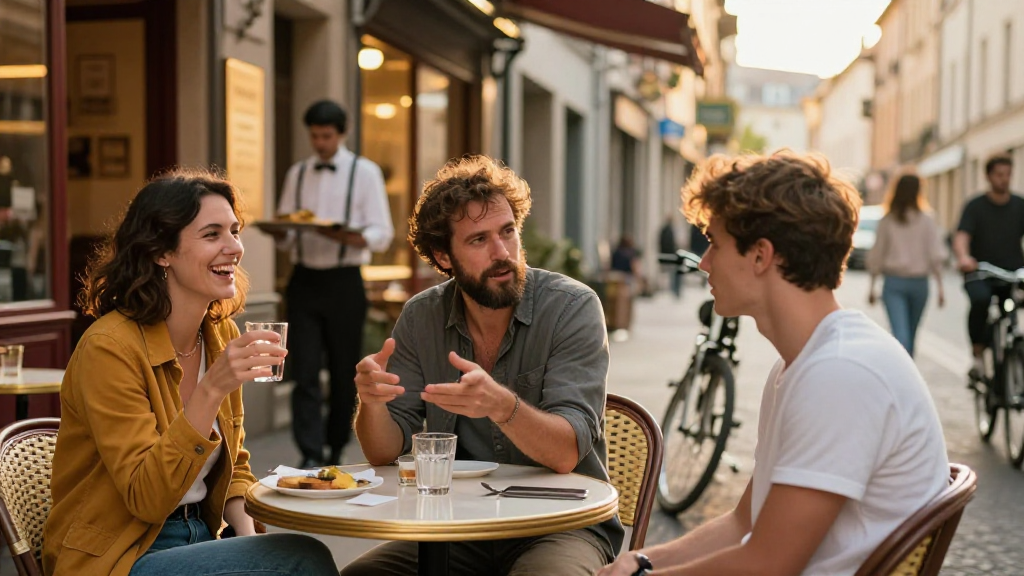
Original street cafe sample photo
Original photo
Seedance 2.0 Mini · 5s · 480p · audio

Choose a motion, then upload your own photo. Buttons only fill the prompt.

Made with AwakePix Photo to Video AI

Works made on the site and model capability samples. Find prompt ideas in the prompt library.

Browse prompts by scene
Two cats in the hotel lobbyHotel Lobby
Street cafeImage to video
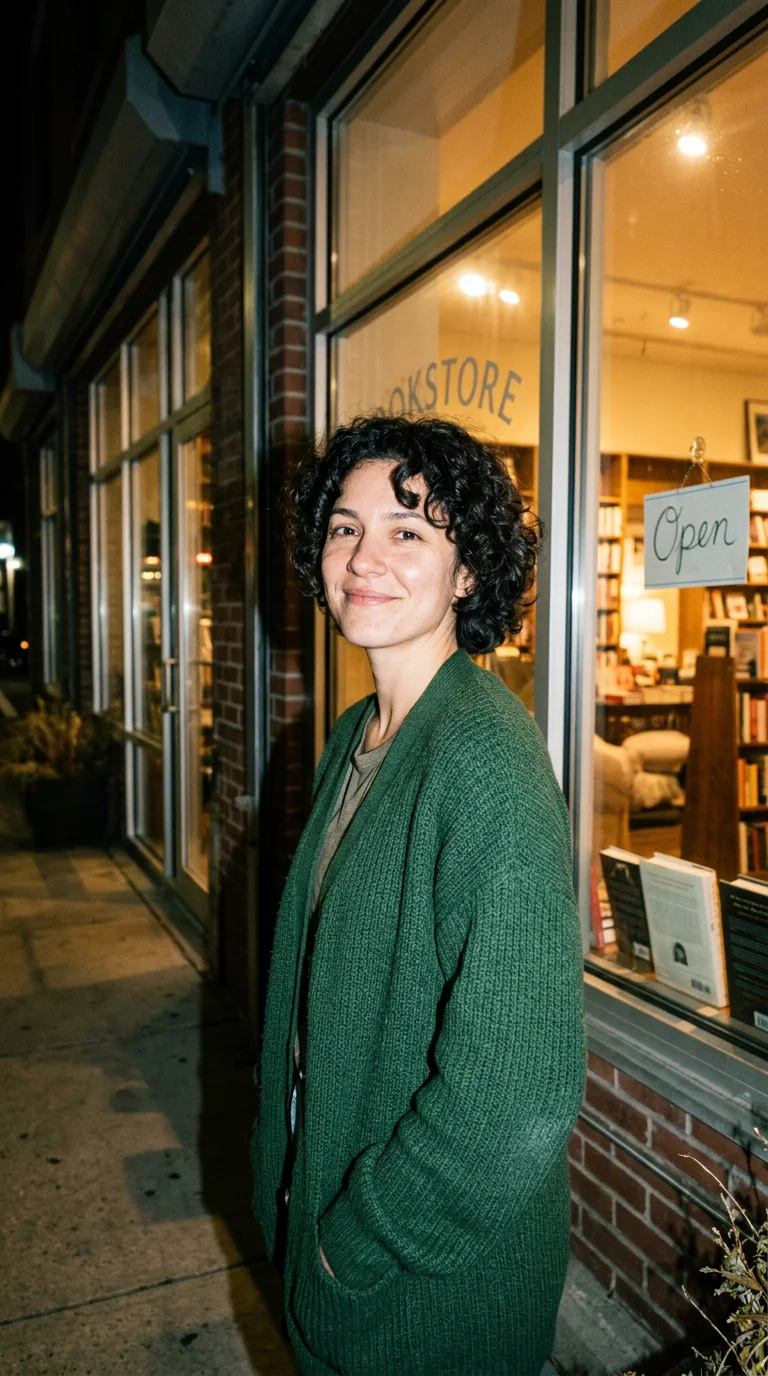
Bookshop flash portrait
Bookshop flash portraitNano Banana 2.1
Anime railway crossingImage to video
Perfume product hero
Perfume product heroGPT Image 2
Animal farmImage to video
Products in motionProduct video
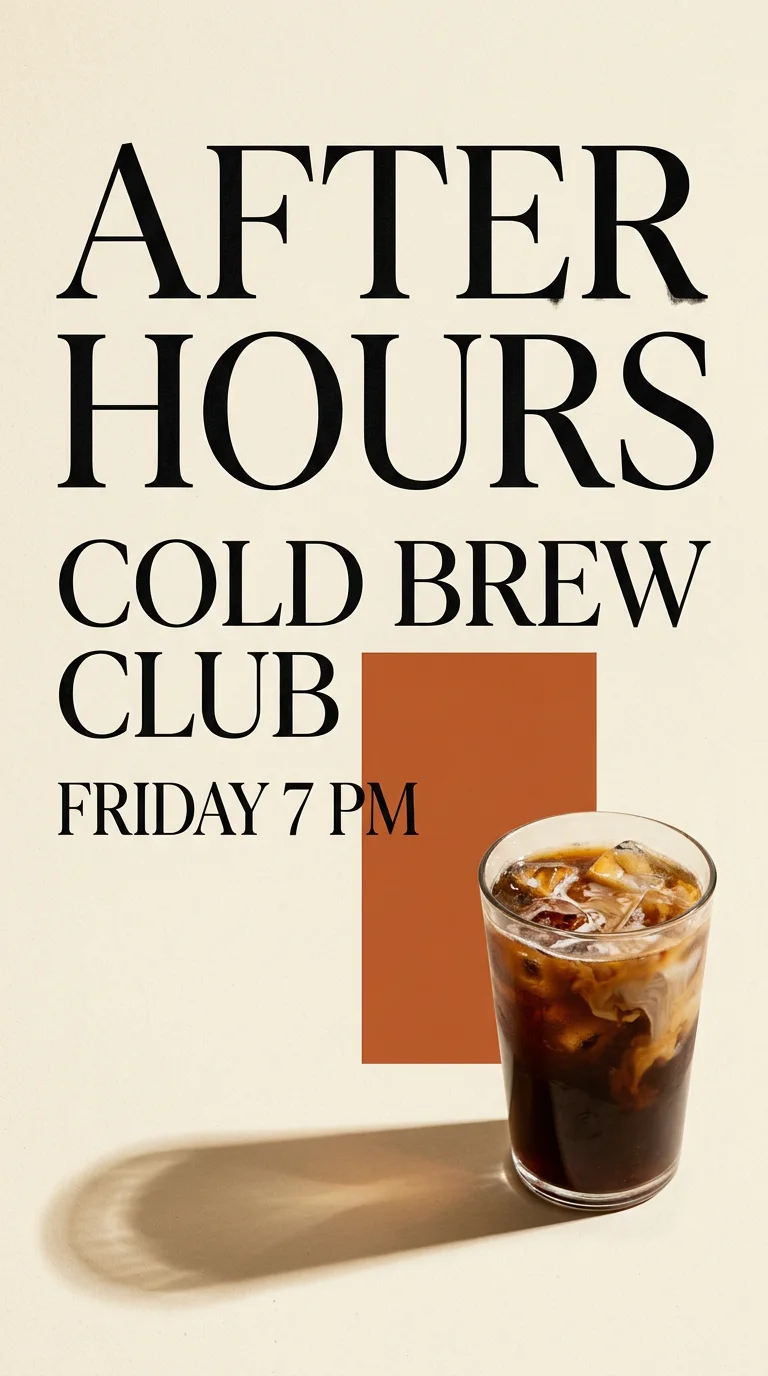
Cold brew event poster
Cold brew event posterNano Banana 2.1
Ginger cat by the windowImage to video
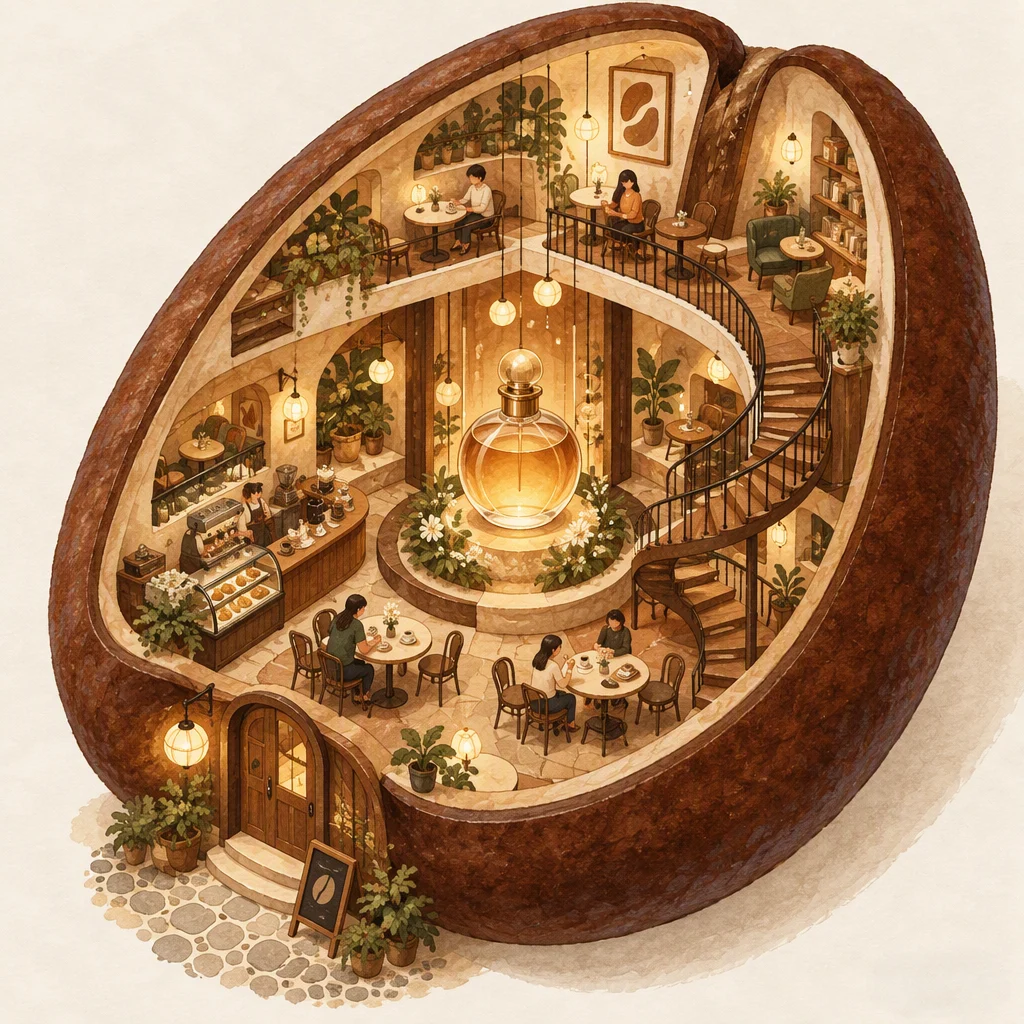
Cutaway cafe illustration
Cutaway cafe illustrationGPT Image 2
Two friendsHotel Lobby
Ginger cat at dinnerImage to video
Product on a stone plinth
Product on a stone plinthNano Banana 2.1 editing
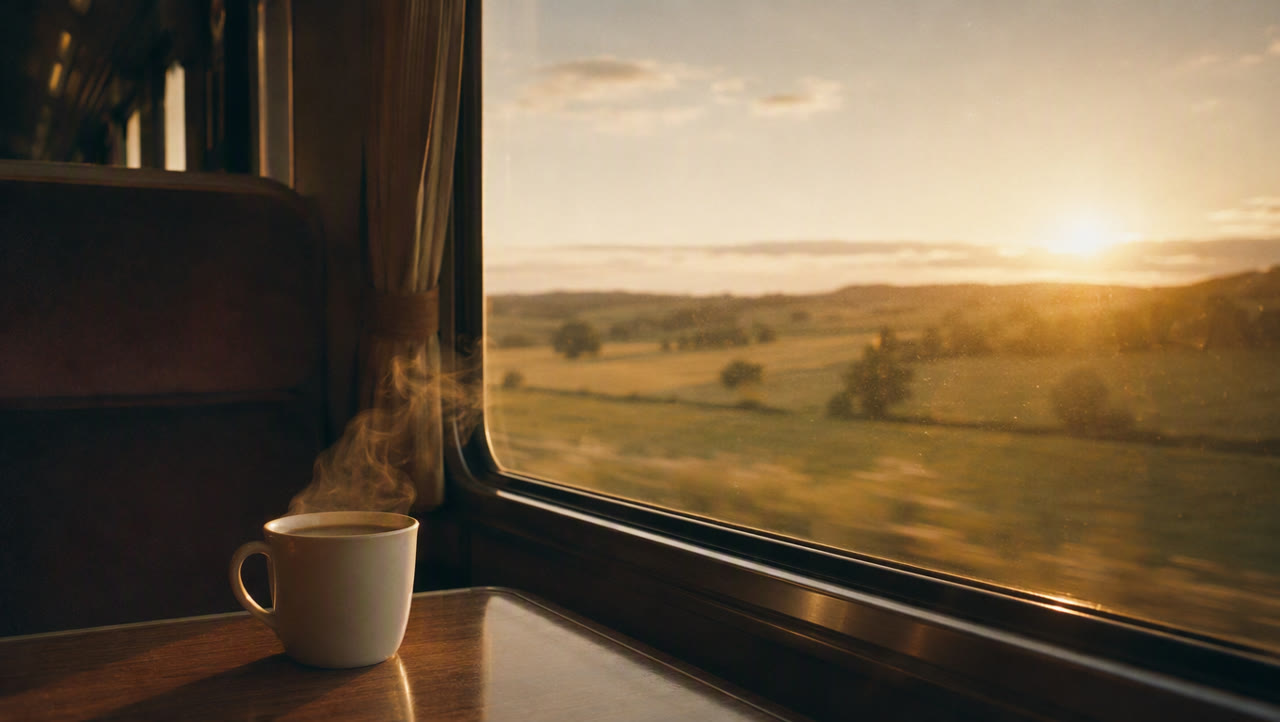
Sunset through a train windowImage to video
Morning croissant
Morning croissantGPT Image 2
Studio tumbler
Studio tumblerNano Banana 2.1
Anime cloud towerImage to video
Window-light portrait
Window-light portraitGPT Image 2
Little flatbread characterImage to video
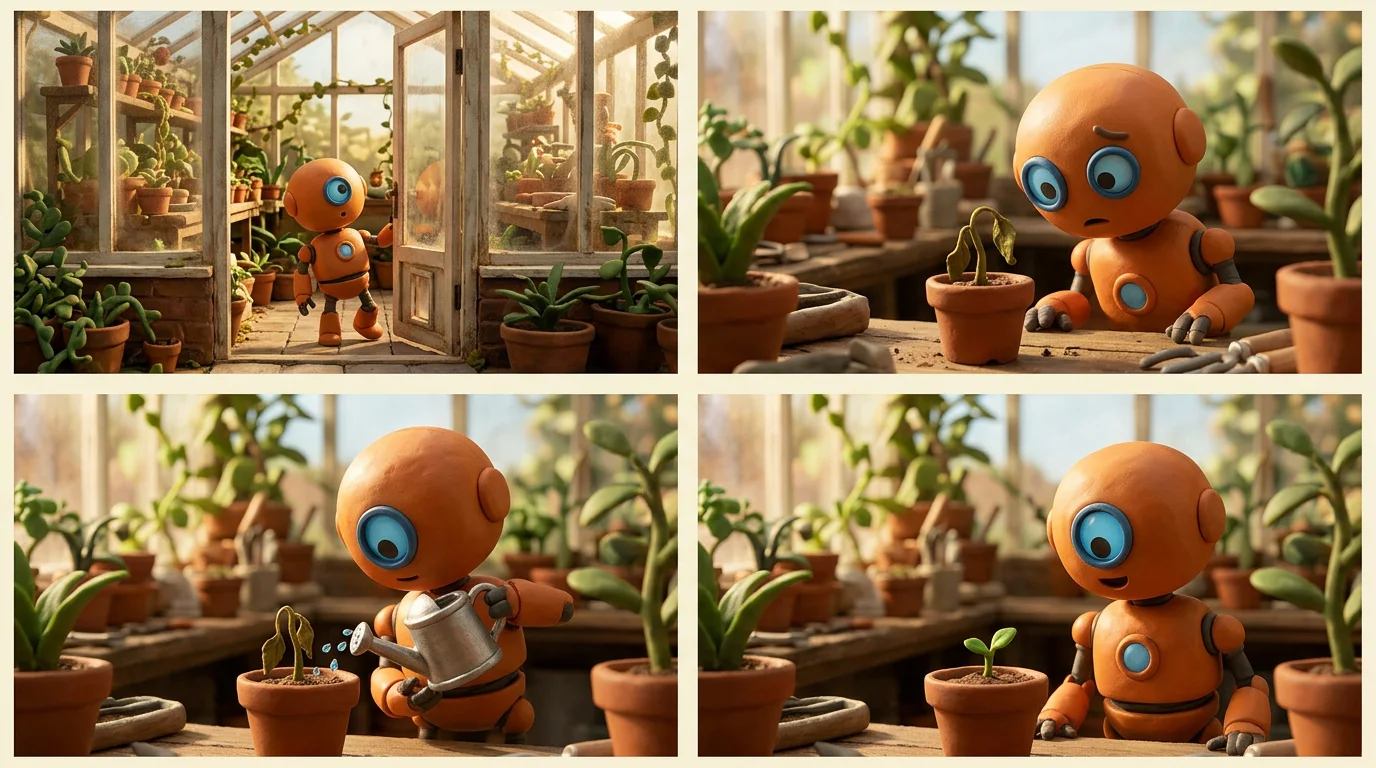
Orange robot storyboard
Orange robot storyboardNano Banana 2.1
Handbag adProduct video
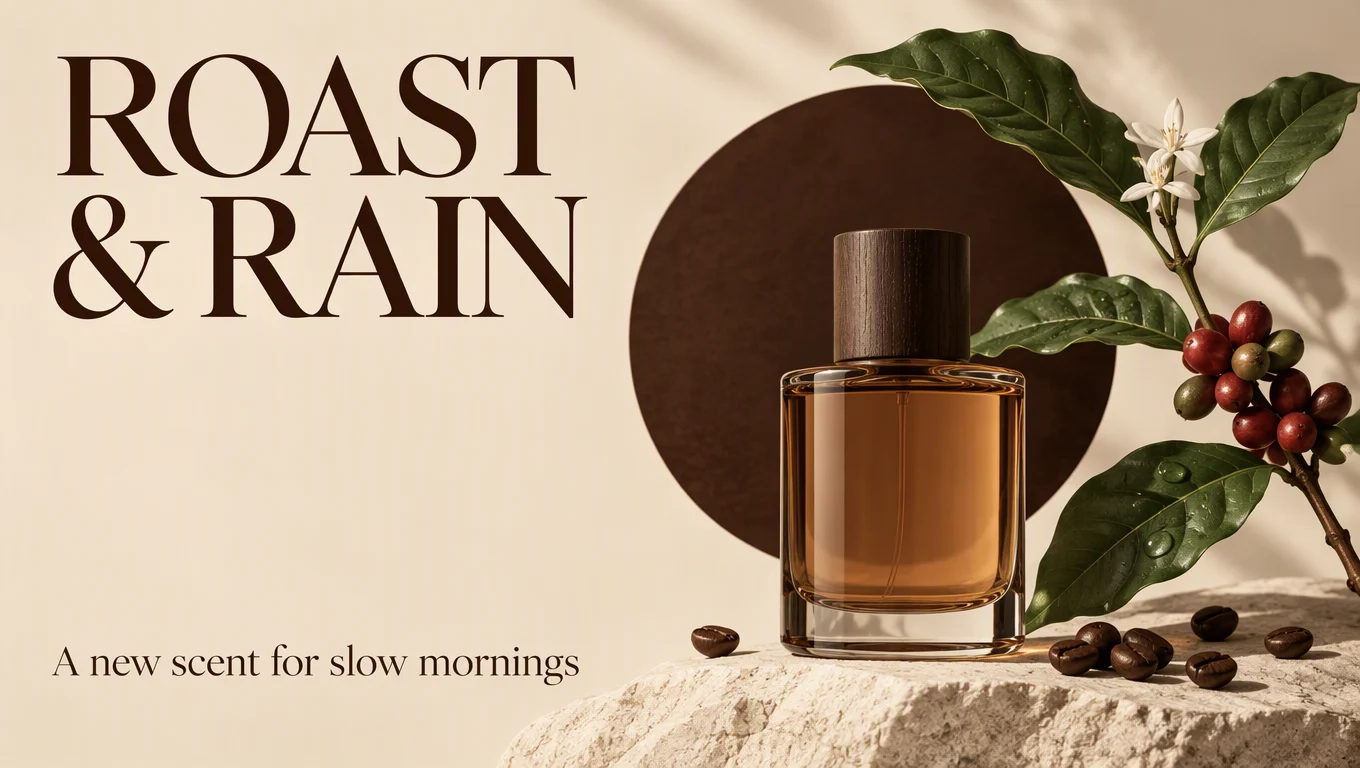
ROAST & RAIN poster
ROAST & RAIN posterGPT Image 2
Autumn crowImage to video
Pomegranates in the breezeImage to video
Product motion studyProduct video
Miniature workersImage to video
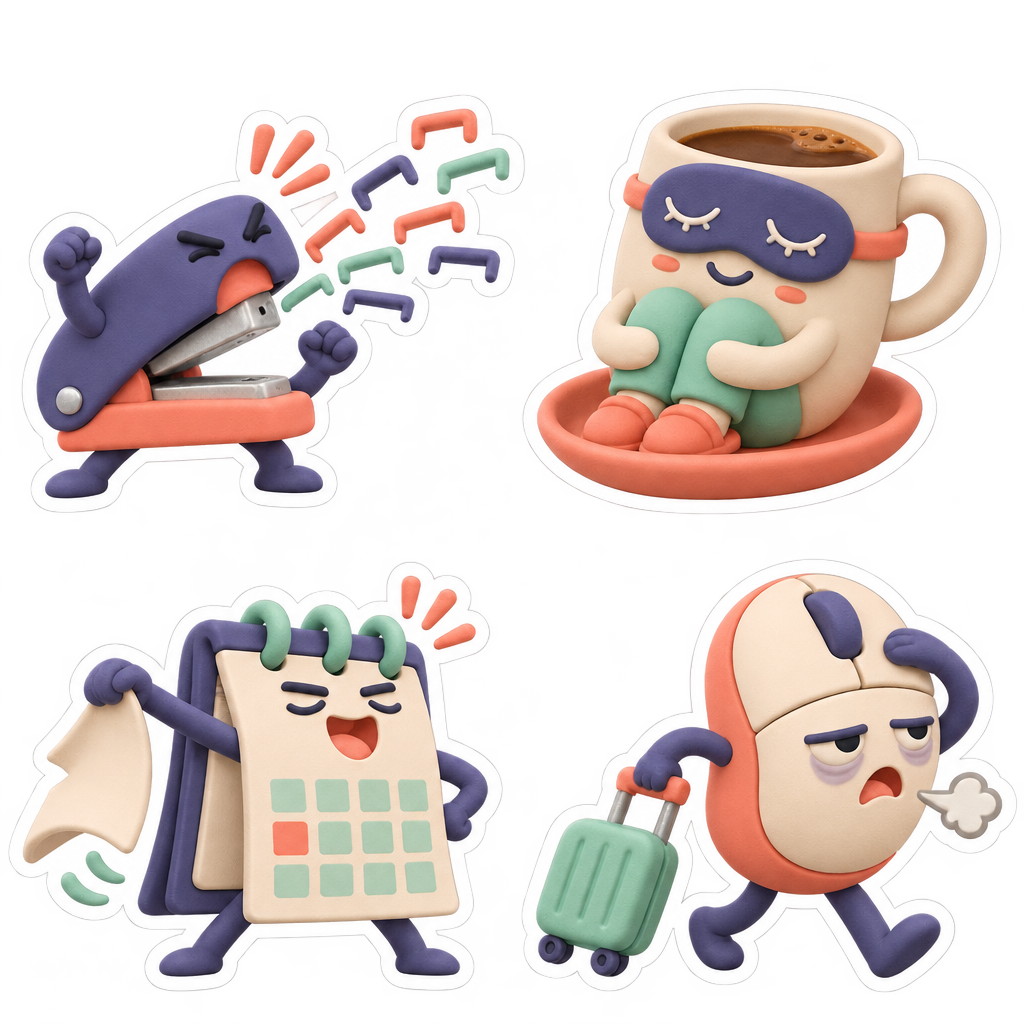
The office objects quit
The office objects quitGPT Image 2.6 · Transparent stickersA GPT Image 2.6 capability sample. The site currently offers static PNG generation and single-reference editing; transparency, GIF and markup controls are not yet available.
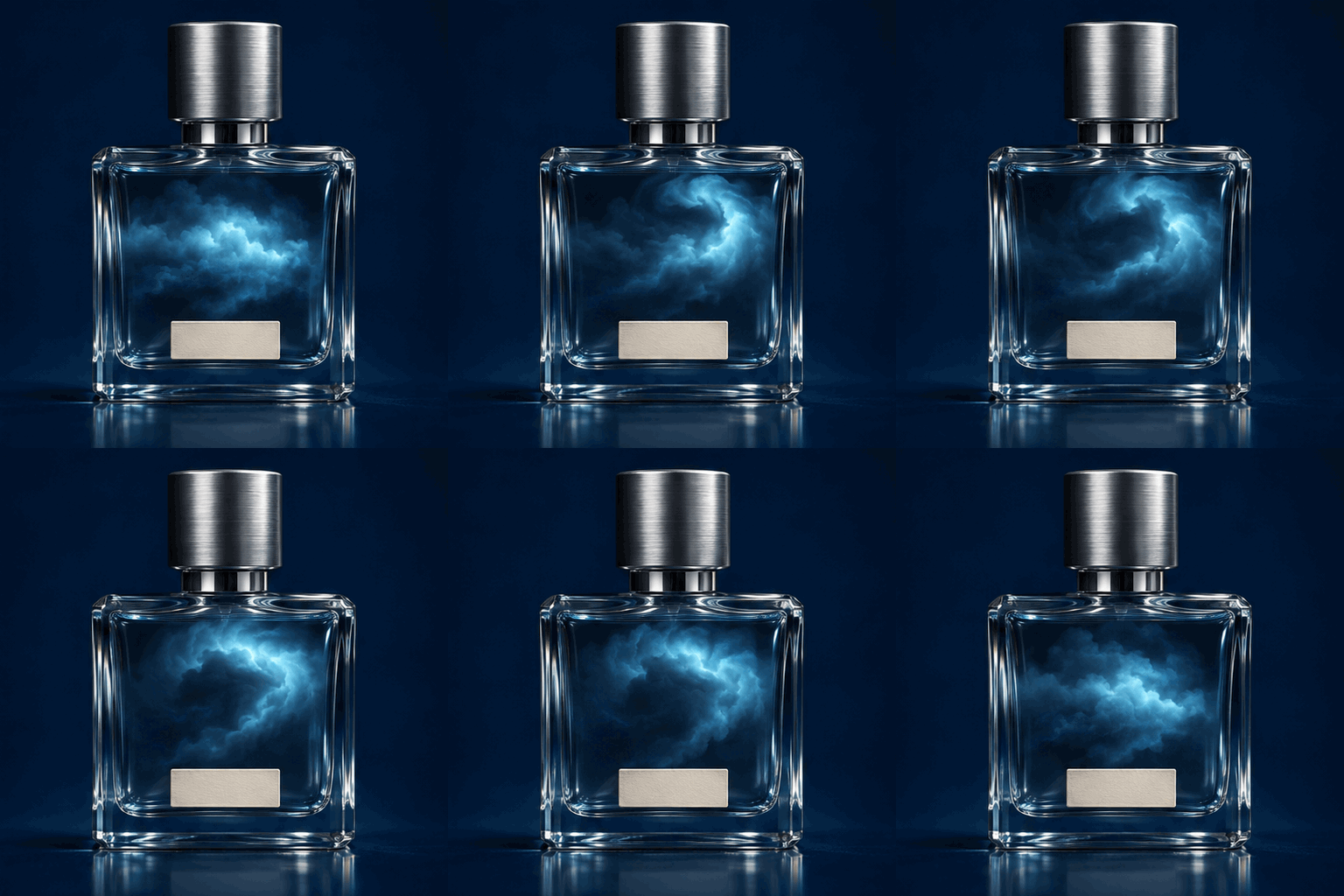
Bottled thunder · perfume loop
Bottled thunder · perfume loopGPT Image 2.6 · Looping GIFA GPT Image 2.6 capability sample. The site currently offers static PNG generation and single-reference editing; transparency, GIF and markup controls are not yet available.
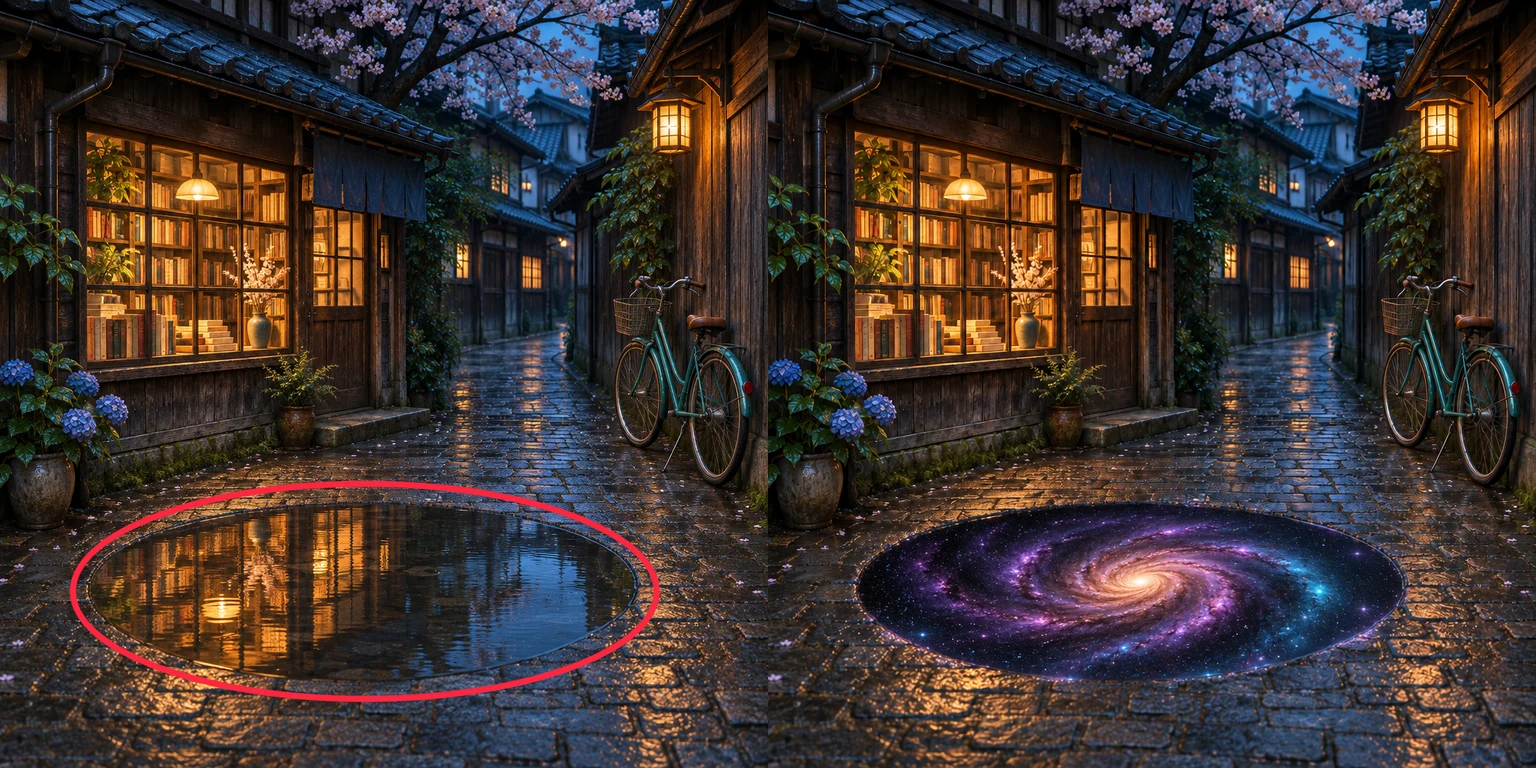
Circle a puddle. Open a galaxy.
Circle a puddle. Open a galaxy.GPT Image 2.6 · Markup edit comparisonA GPT Image 2.6 capability sample. The site currently offers static PNG generation and single-reference editing; transparency, GIF and markup controls are not yet available. Left: original with markup. Right: model output.
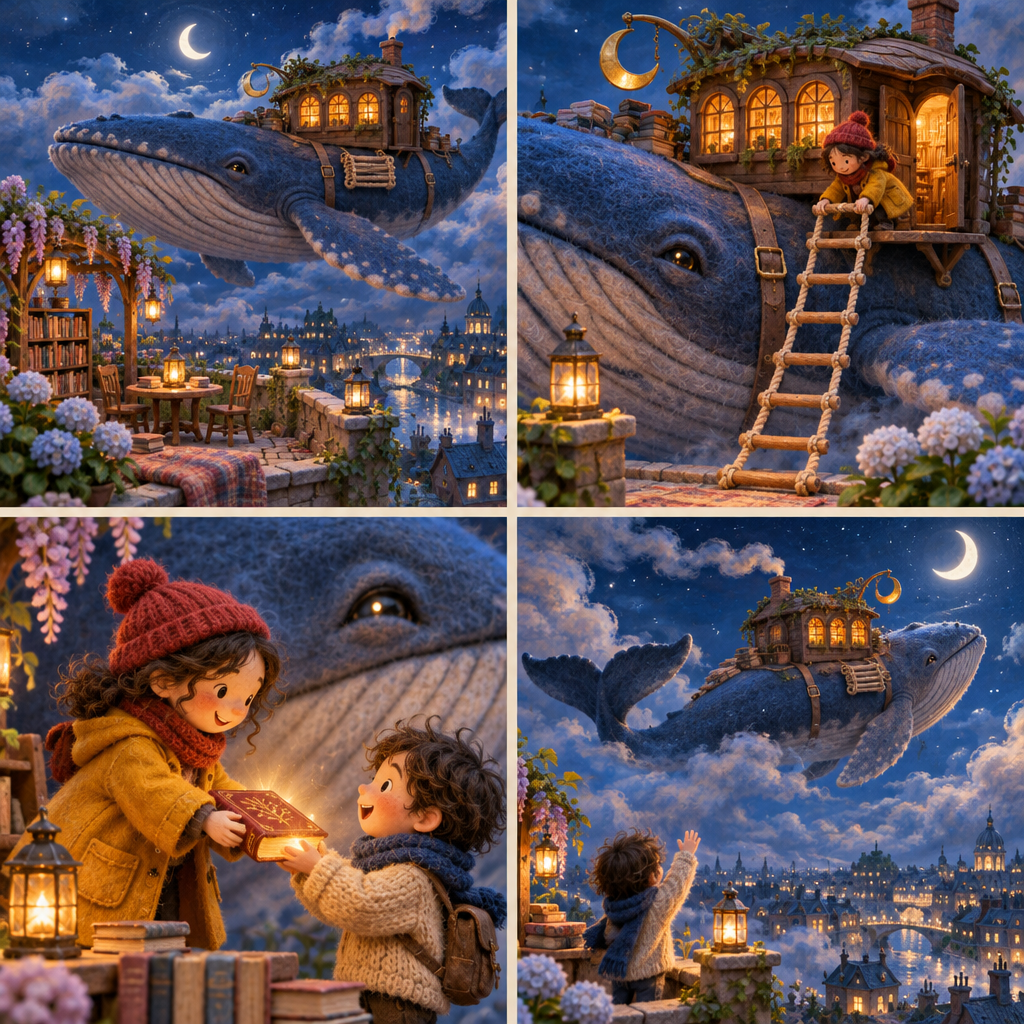
The traveling whale library · four scenes
The traveling whale library · four scenesGPT Image 2.6 · StoryboardA GPT Image 2.6 capability sample. The site currently offers static PNG generation and single-reference editing; transparency, GIF and markup controls are not yet available.

How to Turn a Photo into a Video with AI

  1. 01

    Upload a photo

    Upload a photo you have the right to use. Portraits, pets, products and landscapes all work; check content and usage rights before each generation.

  2. 02

    Describe motion or choose a template

    Describe the camera, subject action, details to preserve and sound separately, or start from a template above.

  3. 03

    Choose a model and generate

    Try the free model first; the generator shows current availability and required credits for other models.

  4. 04

    Preview and download

    Waiting time varies with the model, settings and queue. Review people, text and complex movement before downloading.

Featured AI Video Models

Try the free model first. Available paid models update with the current catalog.

ModelBest forQualityModel page
Seedance 2.0 MiniFreeFree tier, one clip per account for its lifetime; sign in with a verified email; no watermark480PView model

Loading available models

AI Creative Tools Beyond Photo to Video

Choose the starting point that fits what you want to make.

Photo to Video AI FAQ

Is this photo to video AI really free?

Free video requires sign-in and a verified email, with one video per account for its lifetime. Confirmed failures do not use the allowance; buy credits to continue after it is used. 5 seconds at 480p, audio by default, no watermark, no card required. Availability may vary at peak times.
How long does it take to generate a video?

Past free-tier runs took about 158–168 seconds. Waiting time varies with the model, settings and queue; those records do not guarantee a completion time for your run.

Do the generated videos have a watermark?

No. Neither the free tier nor the paid tiers add a watermark. The file you download is clean.

Can I download the video, and in what format?

Yes. When the video is ready, click Download video to save it to your phone or computer. The file is an MP4 that common players and editing apps open directly. Downloads from the free and paid tiers have no watermark, and creations generated while signed in can be downloaded again from My creations.

What is the longest video I can make?

The free tier is fixed at 5 seconds. Paid models go up to 15 seconds: Kling 4.0, Gemini Omni 1.2 Flash, Seedance 2.0 Fast offer 15-second clips, and the other paid models go up to 10 seconds. The generator shows the durations each model offers; the credits needed change with duration and are shown before you submit.

What resolution can I get?

The free tier renders at 480p. Paid models offer 720p, and some also offer 1080p (for example Kling 4.0, Seedance 2.5, Wan 3.0); Gemini Omni 1.2 Flash, MiniMax H3 Max, Seedance 2.0 Fast are 720p only. Higher resolution needs more credits, and the generator shows the credits for your run before you submit.

Which AI video models are supported?

The free tier runs Seedance 2.0 Mini. Paid model choices include Wan 3.0, Kling 4.0, MiniMax H3, MiniMax H3 Max, Seedance 2.0, Seedance 2.5, Gemini Omni 1.2 Flash, Gemini Omni 1.1 Flash, Seedance 2.0 Fast; use the generator to check current availability. Image generation currently offers GPT Image 2.5 with one free trial image per device per day, plus GPT Image 2, Nano Banana 2.1, Nano Banana 2 Lite, Nano Banana 2, Nano Banana Pro.

How long are free videos kept?

Free images and videos generated while signed in are saved in My creations for 365 days and can be deleted at any time. Anonymous creations remain available for 24 hours; signing in later does not extend them. Source photos uploaded for free video expire 24 hours after completion (24 hours after upload for unfinished jobs); daily cleanup normally removes them within about 48 hours. Longer result retention does not extend source-photo storage. Separately consented showcase copies may be retained; deleting a creation also removes its linked showcase copies.

How do I write a prompt that works?

Describe the camera, subject action, details to preserve and sound separately. Start with one small motion and review people, text and complex movement; a prompt cannot guarantee the output.

How do free images, free videos and paid credits differ?

Free images can still be generated and previewed without signing in: one image per device per day, with an account required to download. Free video requires sign-in and a verified email, with one video per account for its lifetime. Confirmed failures do not use the allowance; buy credits to continue after it is used. Reference-image editing and other paid generation require an account and credits, with the charge shown before submission. Signing up does not grant paid credits or reset the free allowance. Availability may vary at peak times.
What is AwakePix suited for, and what are its limits?

Try social images, product-scene drafts and short photo animations. Real examples help you choose a model and prompt, but each output varies. Check text, product details, character consistency and complex motion yourself. A single generation is not guaranteed to be ready for an ad or publication.

Can I use generated images and videos commercially?

Works generated with paid credits may be used commercially. Works generated with a free allowance are for personal, non-commercial use only. All use must comply with the Acceptable Use Policy and applicable third-party model terms, and respect copyright, trademarks, privacy and likeness rights.

Photo to Video AI Guides and Comparisons

All guides

Wake Up Your Photo

Make your first video free