How to Make a Hotel Lobby AI Video
Prepare one photo for each character
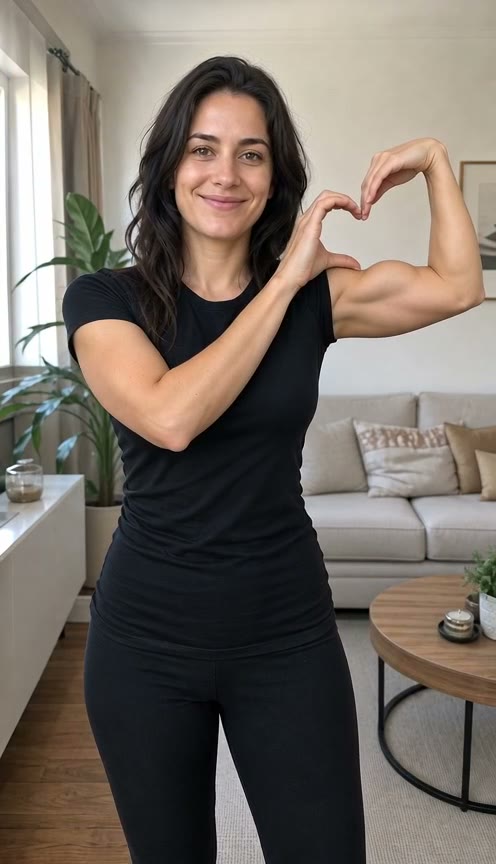
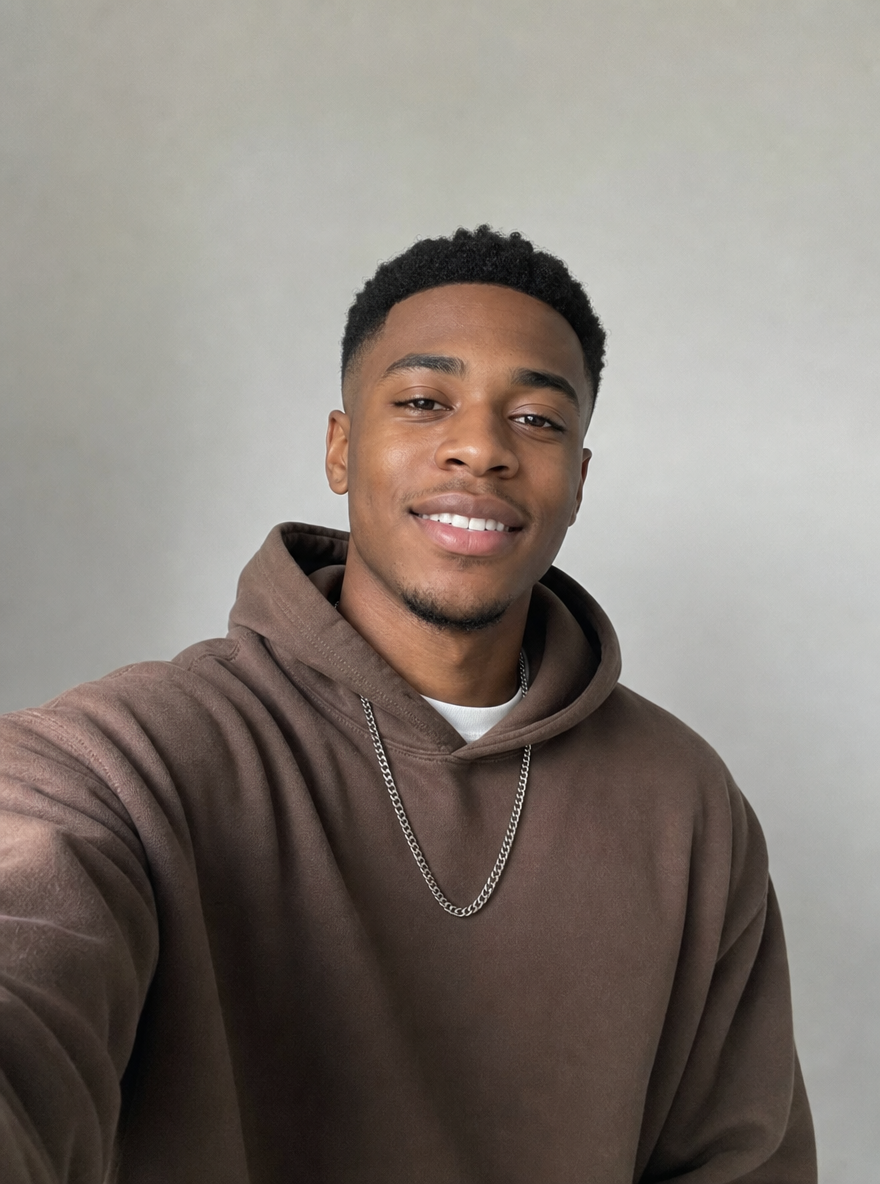
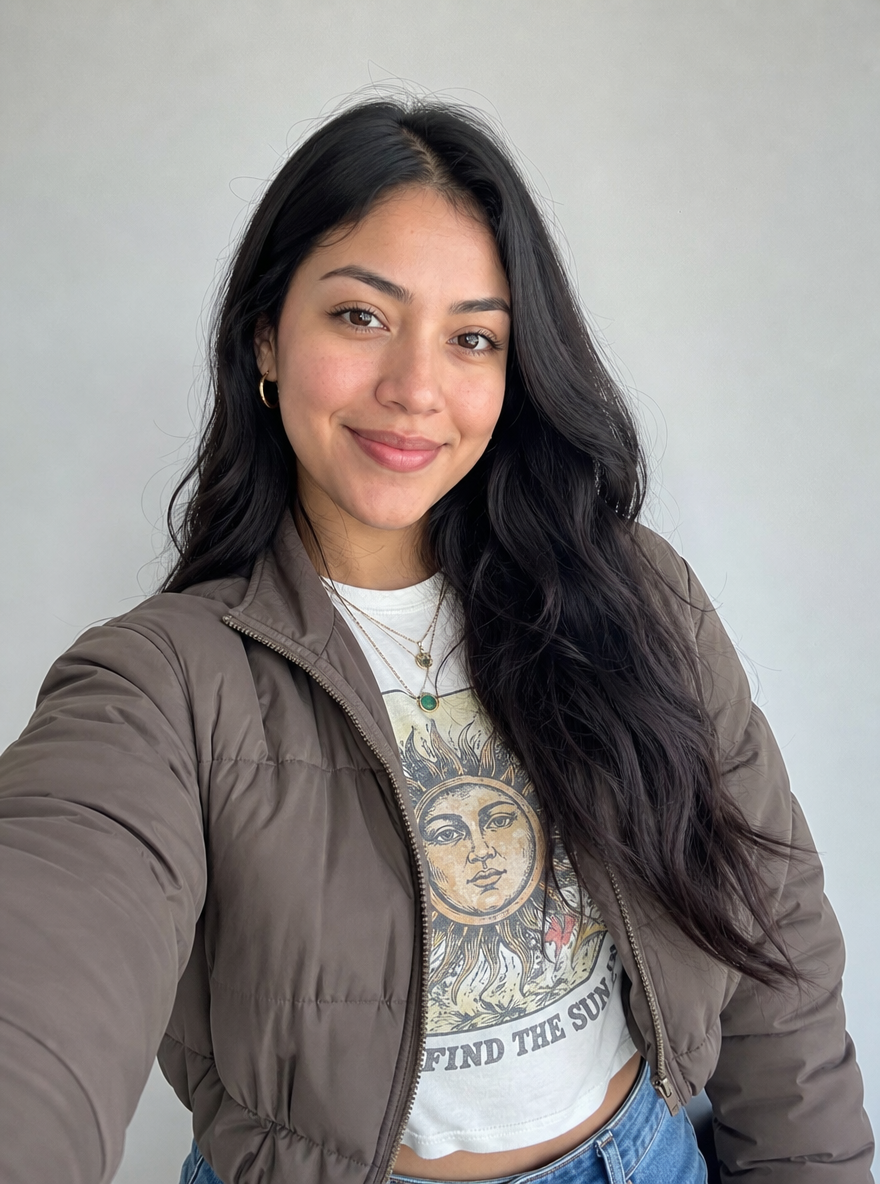
Choose two separate photos, each showing one clear subject. Put character A in the first upload and character B in the second. The preset assigns A to the left and B to the right, so decide that order before selecting files. If your starting picture is a group photo, prepare two individual crops first. Keep the face and upper body visible, with some room around the subject. Use photos you have permission to use, and obtain agreement from each adult whose portrait you upload.
Select the friends or cats version
Choose the version that suits your two subjects. The friends preset asks for hand gestures and head movements, while the cats preset asks for mouth movements, head bobs and paw gestures. Both use the same orange studio, central microphone and alternating performance. Switching versions keeps the uploaded photos in place and changes the prepared instructions. You can read and copy the displayed preset text. The workflow is already configured, so you do not need to write a prompt or select a model before making your version.
Review the fixed specifications and submit
Sign in, confirm photo rights and check the generation button. The current preset uses 158 credits for a 13-second 720p video in 9:16. These settings are fixed on this page, including when you switch between friends and cats. Check the real samples before submitting to understand the intended shot and sequence. The two inputs guide the two subjects separately. Choose photographs where each subject is recognisable, rather than expecting the preset to recover important features hidden by a crop, an object or heavy blur.
Check the result and prepare its music
When the task finishes, watch the entire clip and listen to its generated sound. Check each character’s face or markings, the left and right positions and the hand or paw movements. The Hotel Lobby recording is not supplied with the generated video. When posting, search the platform music library for the song and check the track available to your region and account. You can lower the generated clip’s sound and align a permitted platform track with the alternating action. Review that final combination before sharing and label the video as AI-generated.
What Makes the Hotel Lobby AI Scene Work
A simple studio makes both roles readable
The scene uses a seamless burnt-orange wall and floor with one hanging microphone in the centre. The intended composition leaves a clear gap between the two characters, helping you see who is performing and who is responding. The product name describes the trend, while the actual setting is the orange studio shown in the samples. Look at the examples to decide whether you like that composition. Your input photos provide the subjects, and the preset provides the environment and camera direction. Their original backgrounds are not the setting requested for the finished performance.
The performance alternates between the subjects
The prepared action starts with A rapping while B nods and responds, then lets B perform while A reacts. It asks for independent, conversational motion in one continuous, fixed-camera vertical shot. This gives you several clear review points. Watch who starts, whether the second character responds and how the turn changes later in the clip. Generated movement can differ from the instructions, so inspect both subjects throughout. The preset does not guarantee word-by-word lip synchronisation with a track you add later, and you should judge the result as its own generated performance.
Real examples show two ways to cast the duet
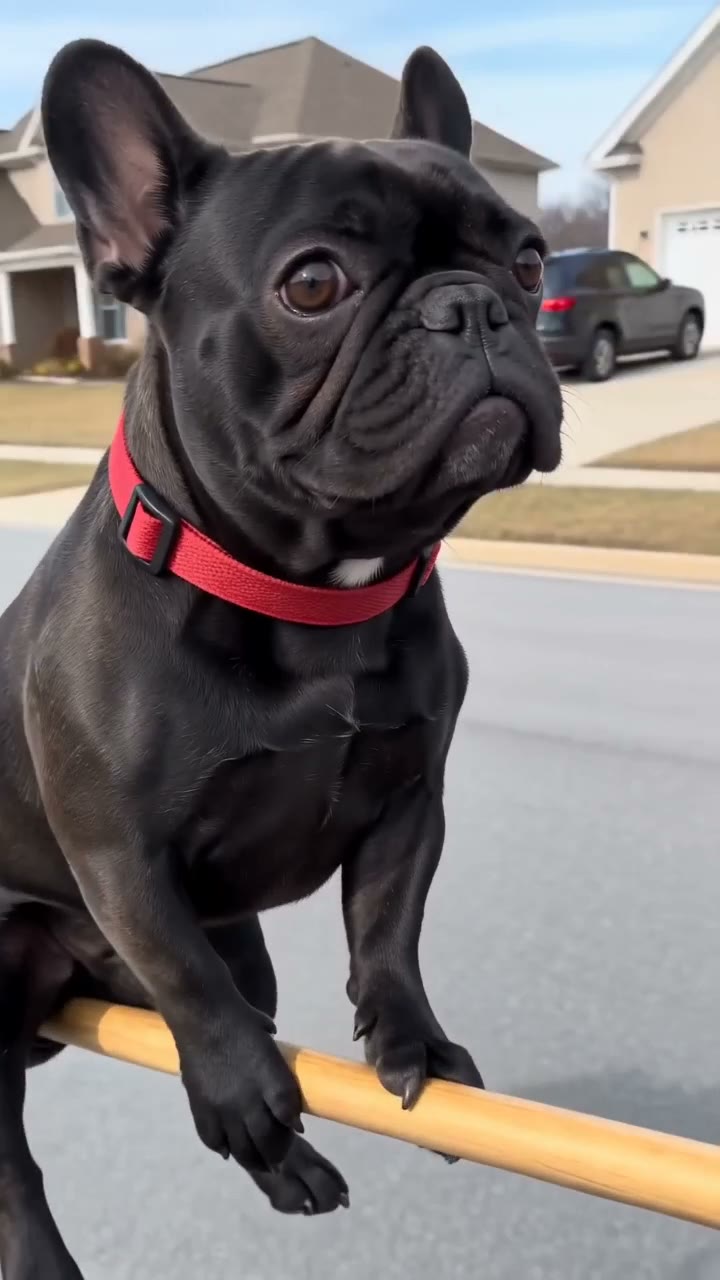
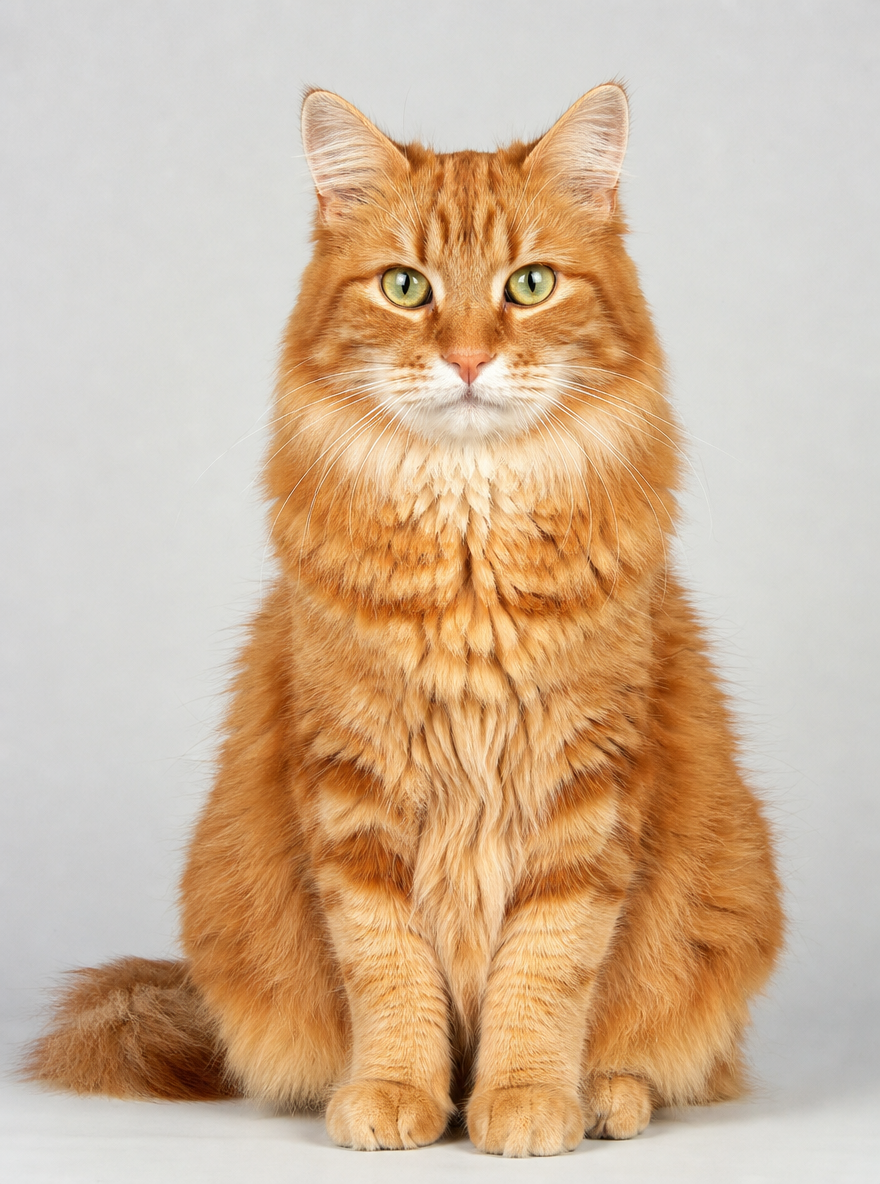
The comparison section contains actual generations with two fictional friends and with two cats. Each example pairs the two input pictures with the output, so you can inspect how the separate references become a shared shot. Play both videos to compare the human gestures and feline movement. Their players retain generated sound, and you control playback. The samples help explain the prepared scene without promising that every pair of photos will produce the same expressions, timing or anatomy. Use them as references when assessing the version created from your own inputs.
Hotel Lobby AI Video Ideas
Make a friendly call-and-response clip
Use portraits of two consenting adults and decide which person should take the opening turn. Choose photographs where both faces are clear and their upper bodies have enough space for gestures. The prepared routine supplies the exchange, so the main decisions are the two source images and their order. Watch the finished interaction before choosing a caption or a posting soundtrack. Check that the generated expressions suit the light performance you intended, and agree on how the clip will be shared with the people whose photographs you used.
Give two cats their own studio performance
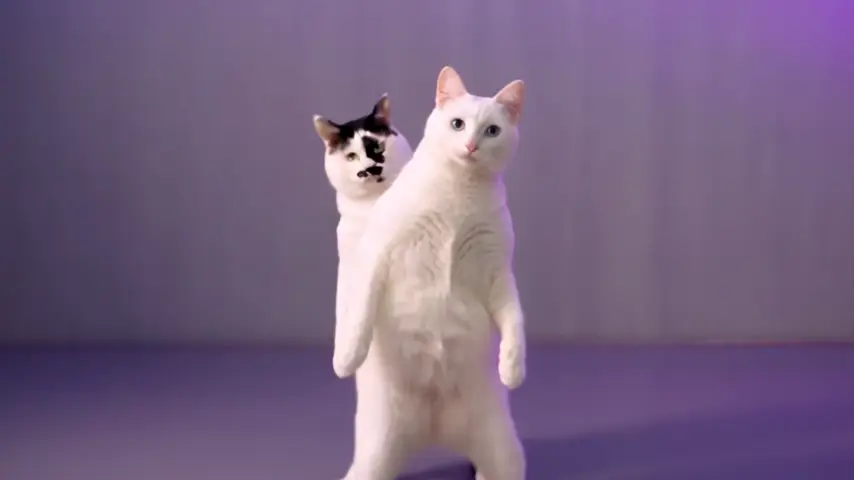
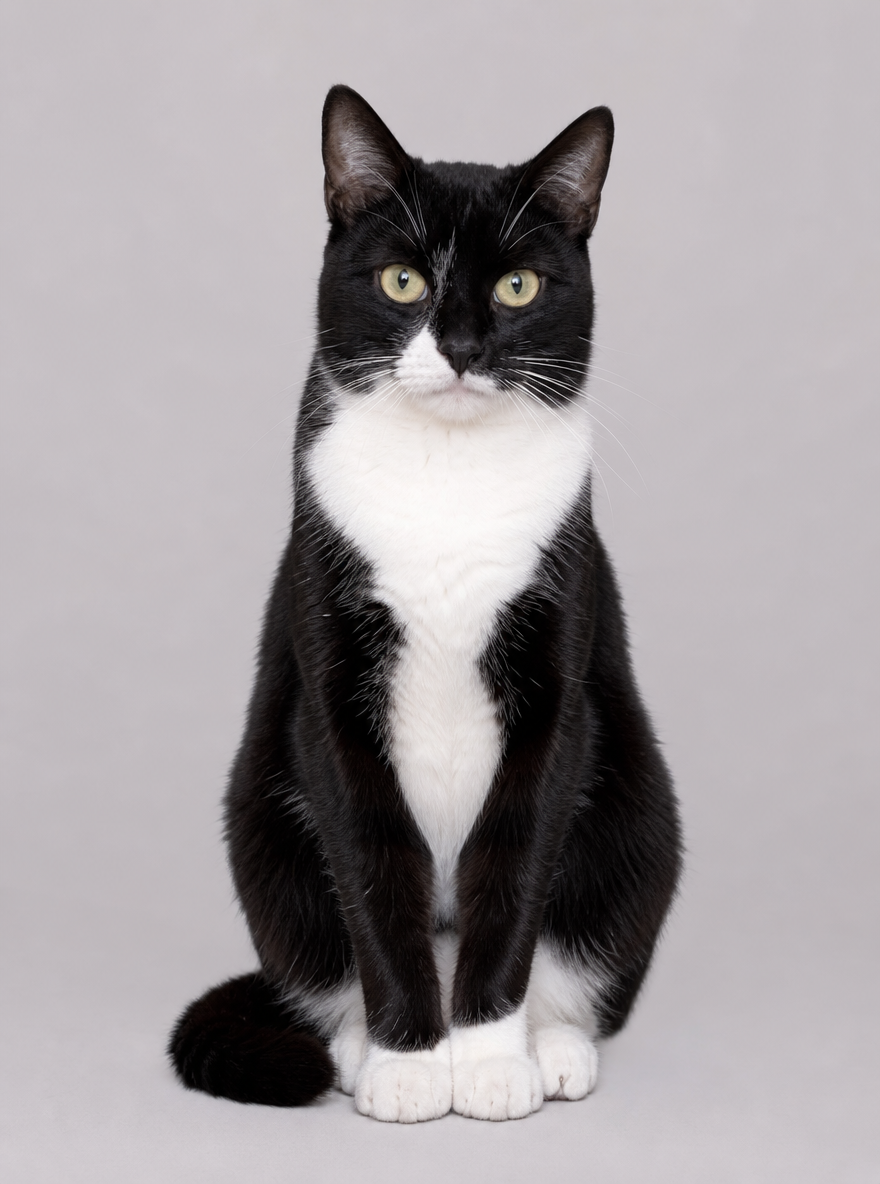
Choose the cats version and upload one photograph of each cat. Distinct face markings and coat colours can make the two references easier for you to compare with the result. A stays on the left in the prepared composition, and B stays on the right. The requested action uses mouth movements, head bobs and paw gestures instead of the friends version’s hand movements. Review both animals as the turn changes. The existing cat sample demonstrates this idea, while your own photos and the generated movement can produce a different result.
Compare the casting before generating
If you have several suitable portraits of the same two subjects, compare the lighting, angle and visible upper body before choosing a pair. Try to select images where each subject is easy to recognise at a small size. The references do not have to share the original background because the preset asks for a new studio scene. Choose your preferred A and B order before submission, and review the quote for any later task. A completed result can help you identify which photograph or subject detail you would change in a separate attempt.
Tips for a Better Hotel Lobby AI Video
Keep the two inputs distinct and unobstructed
Use one subject per photo and avoid a crop that removes important parts of the face, hands or upper body. Front-facing or slightly angled subjects with even lighting give you a clear appearance reference to inspect afterward. If a group picture is your source, make the two individual images before uploading. Check which file occupies each position rather than relying on the filename alone. These are preparation suggestions, and generated likeness, anatomy and motion still need review. Use only your own pets or portraits of adults who have agreed to this use.
Review the turn change with the chosen audio
Play through the beginning, the exchange between performers and the ending. Check that each subject remains distinct and that hands or paws move in a way you want to keep. Listen to the generated sound before adding another track on a posting platform. If you use platform music, choose audio available for your account and region, then adjust its starting point against the finished movement. The result may suggest a rap performance without matching specific words. Review the final edit with sound so your caption and music fit what the two characters actually do.
Follow the existing task through delivery
An interrupted connection or delayed status update can leave a submission needing confirmation. Keep the existing task and check its progress before starting another one. Confirmed generation failures automatically return deducted credits. The refund status is available through the account’s credit record, and a pending check does not promise an immediate return. When the video is ready, use the available download entry and check the expiry shown in My creations. Download the clip you want to keep promptly. Source photos and completed videos have separate storage handling, so use the video’s displayed expiry for your result.